
📊 Guide
Student Portal
The Student Portal is where you check your attendance, see your marks, and register for courses.
- Address
- https://portal.imco.edu.om
- Username
- Your Student ID number
- Password
- Your IMCO account password (same as computer / Wi-Fi)
How to sign in
- In any browser, go to portal.imco.edu.om.
- Enter your Student ID as the username and your account password, then click Login.
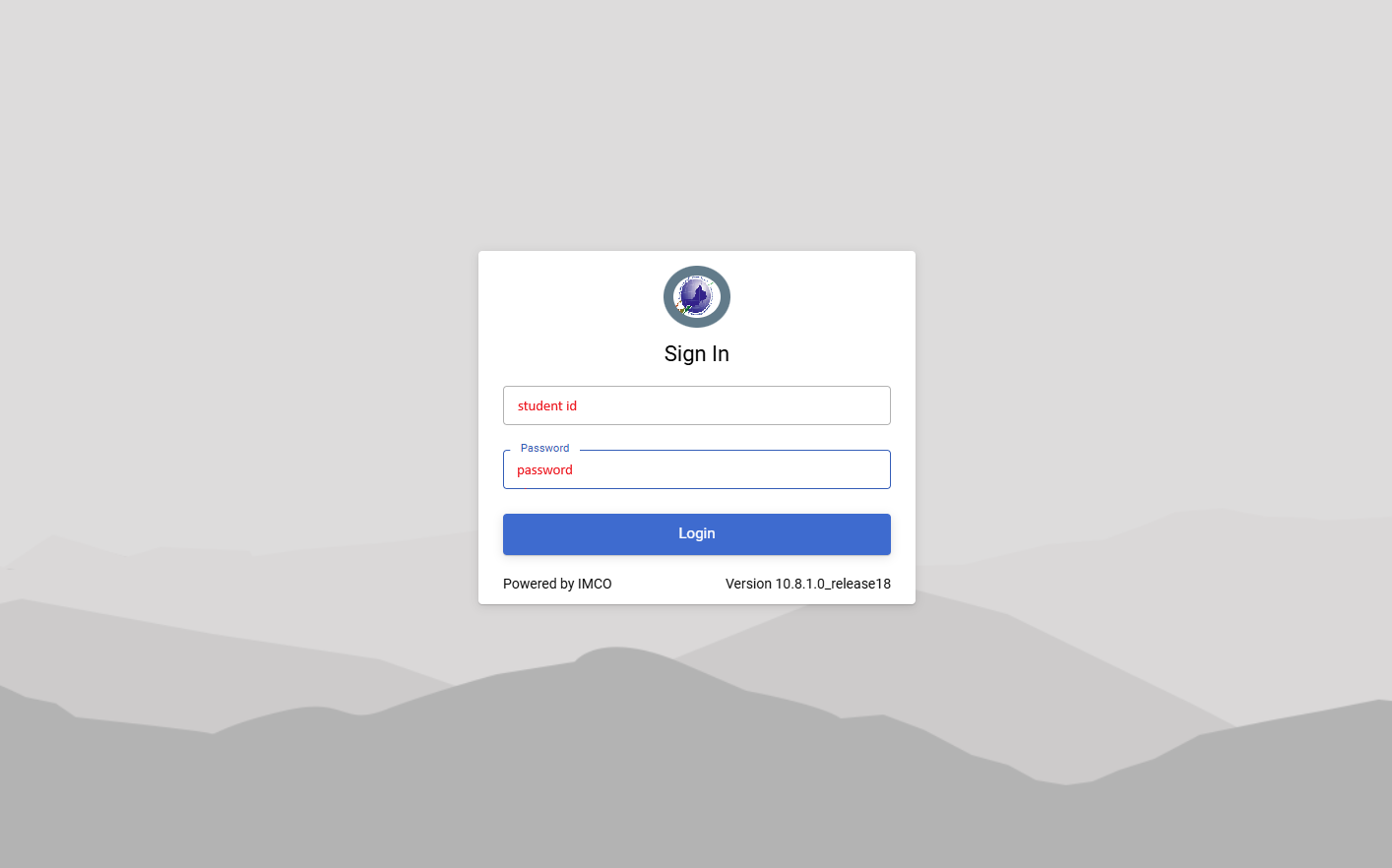
The Student Portal login screen
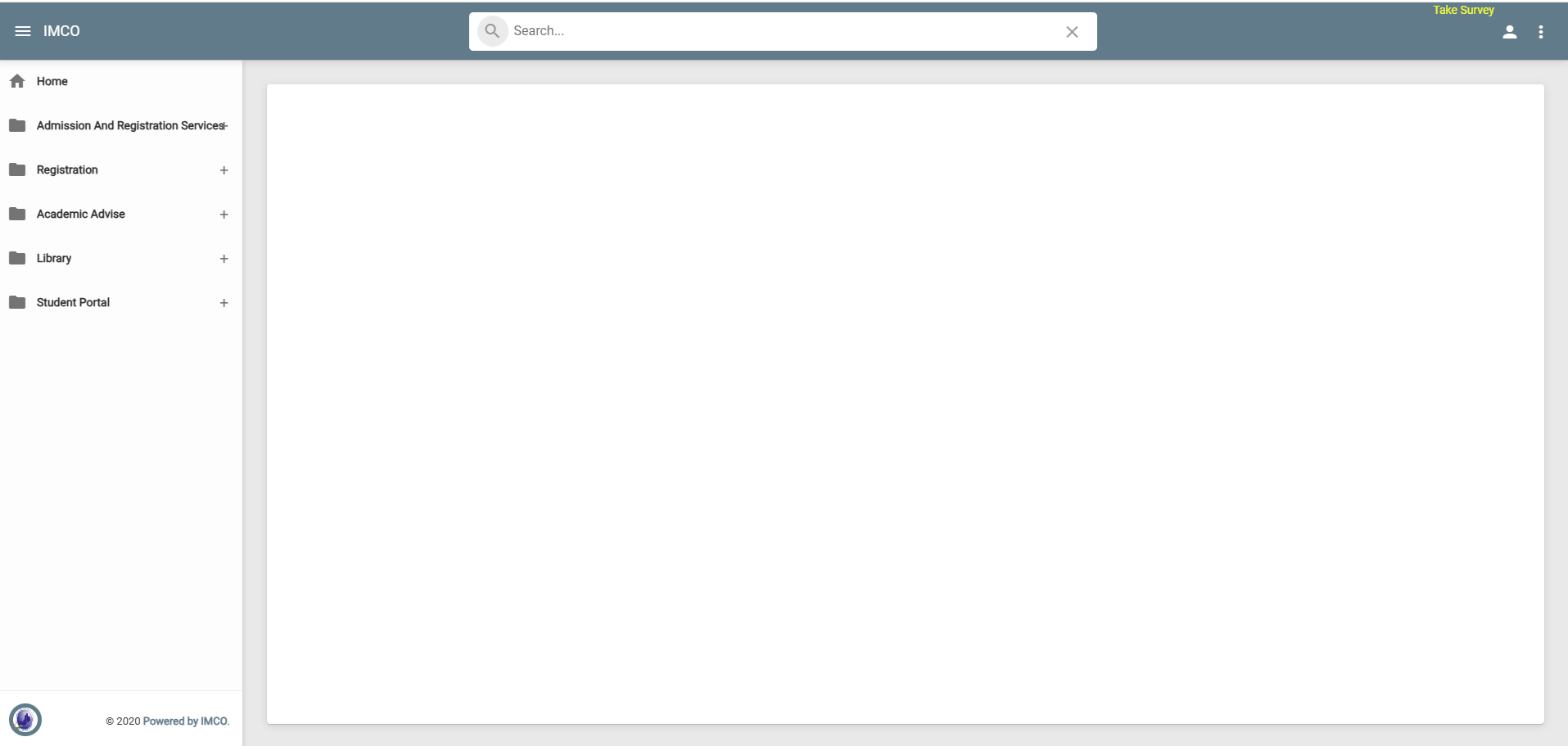
After you log in — use the menu on the left to open Registration, Academic Advise, Library and Student Portal
What you can do
Attendance
See your attendance for every course.
Marks
View assessment and exam results as they're released.
Registration
Register for courses during registration periods.
Help
Raise a request to the IT Department.
💡
Check your attendance every week. Attendance below the required level
can stop you from sitting an exam.
⚠️
Can't log in? Your portal password is the same as your computer password — try
resetting it first.